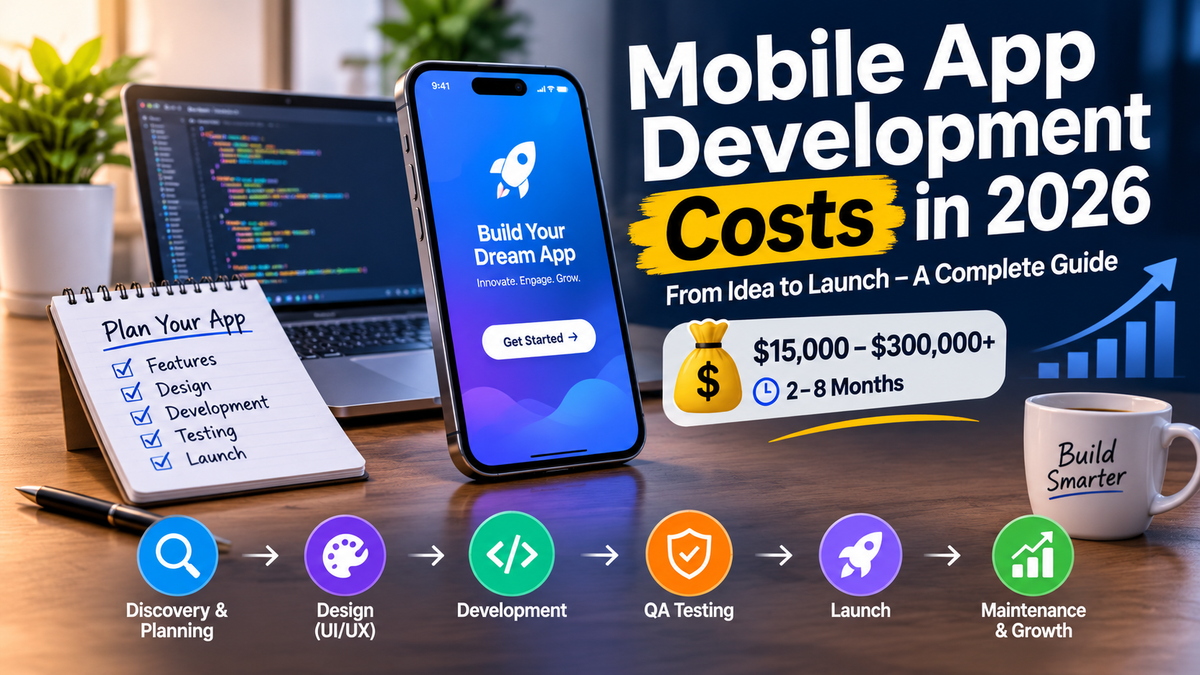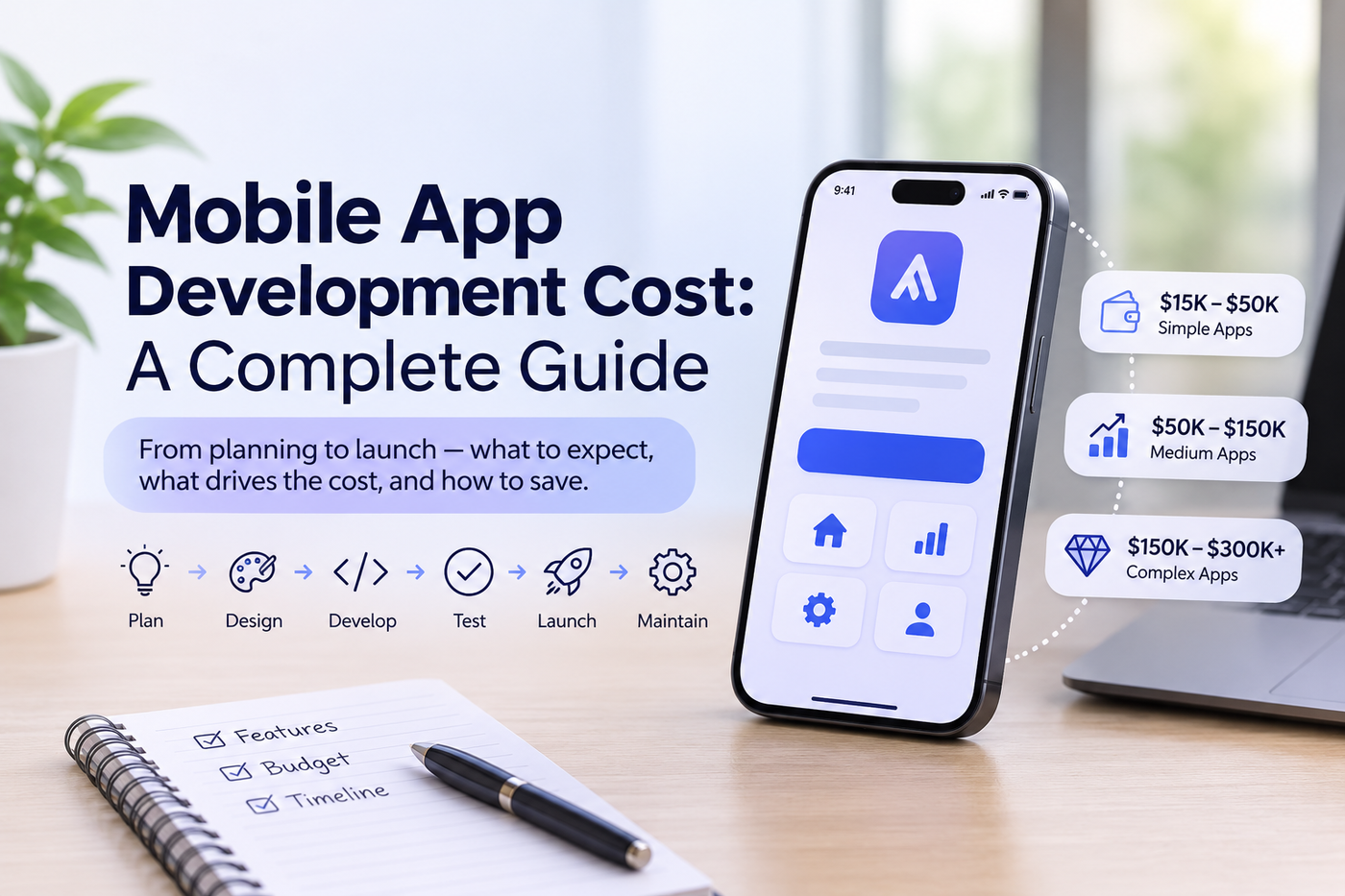
Mobile app development costs anywhere from about $15,000 for a simple app to $300,000 or more for a complex one, and it takes roughly two to eight months from idea to launch. The final price depends mostly on features, platforms, design, the team you hire and how much testing you need. This guide explains the full development process, from planning to QA and launch, and shows what drives the cost so you can budget with confidence.
In short: a mobile app project has six stages: discovery, design, development, QA testing, launch and ongoing maintenance. Plan to spend roughly 15 to 20 percent of the build cost each year to keep the app running, and start with a focused first version instead of every feature at once.
How much does mobile app development cost?
Published 2026 guides from app agencies do not agree on one price, because teams, regions and scope differ. These bands show the range you will see in real quotes:
App level
Simple
Few screens, sign-up, basic content, one or two integrations
About $15,000 to $50,000 from lower-cost teams, and often $90,000 or more from US agencies
2 to 3 months
Medium
User accounts, payments, notifications, an admin panel, several integrations
About $50,000 to $150,000, and $150,000 or more from US agencies
4 to 5 months
Complex
Real-time features, marketplaces, video, AI features, strict security or compliance
About $150,000 to $300,000 or more
6 to 8 months
Treat these as planning ranges, not quotes. The only way to get a real number is to share your feature list with a development team and ask for a written estimate. What affects the cost of an app?
- Features and complexity. Every extra feature adds design, development and testing time. Payments, chat, maps, video and AI are the most expensive.
- Platforms. iOS only, Android only, or both. Building natively for both costs more than sharing one codebase.
- Design. A simple, clean interface costs less than custom animations and illustrations. Design is often 15 to 25 percent of the total budget.
- Backend and integrations. Your app often needs a server, database, admin tools and connections to payment, CRM or accounting systems.
- Team location and experience. Hourly rates vary widely by region and seniority, and they are the biggest lever after scope.
- Security and compliance. Health, finance and children's apps need extra work, such as HIPAA or PCI compliance.
- Testing. Thorough QA commonly takes 20 to 25 percent of the development effort.
What affects the cost of an app?
- Features and complexity. Every extra feature adds design, development and testing time. Payments, chat, maps, video and AI are the most expensive.
- Platforms. iOS only, Android only, or both. Building natively for both costs more than sharing one codebase.
- Design. A simple, clean interface costs less than custom animations and illustrations. Design is often 15 to 25 percent of the total budget.
- Backend and integrations. Your app often needs a server, database, admin tools and connections to payment, CRM or accounting systems.
- Team location and experience. Hourly rates vary widely by region and seniority, and they are the biggest lever after scope.
- Security and compliance. Health, finance and children's apps need extra work, such as HIPAA or PCI compliance.
- Testing. Thorough QA commonly takes 20 to 25 percent of the development effort.
The mobile app development process
1. Discovery and planning
The team clarifies your goal, users and must-have features. You agree on a feature list, a rough budget and a timeline. A good discovery phase prevents the most expensive mistake, which is building the wrong thing.
2. UX and UI design
Designers create user flows, wireframes and a visual style, then turn them into a clickable prototype. Test the prototype with a few real users before development starts. Changing a design is far cheaper than changing finished code.
3. Development
Developers build the app screens, the server and database, the admin panel and the integrations. Work is usually split into short cycles, so you see working versions every one to two weeks and can give feedback early.
4. QA testing
Quality assurance checks that the app works before real users see it. It should cover:
- Functional testing: every feature and button behaves as designed
- Device and OS testing: different phones, screen sizes and software versions
- Performance testing: speed, battery use and behavior on slow networks
- Security testing: protection of logins, payments and personal data
- Usability testing: real people can finish key tasks without help
- Regression testing: new fixes do not break older features Ask your team how they track bugs, how they rank them by severity and which real devices they test on.
5. Launch and app store approval
The team prepares store listings, screenshots, descriptions and privacy details, then submits the app to the Apple App Store and Google Play. Review rules differ and approval can take from a day to several days, and apps can be rejected for missing privacy information or bugs, so leave time for fixes. Developer accounts carry small fees, so check the current price on each store.
6. Maintenance and growth
After launch, you need updates for new phone software, security patches, bug fixes, server hosting and improvements based on user feedback. Budget about 15 to 20 percent of the original build cost each year, and expect higher spending in the first year.
Costs people forget
- App store developer accounts and any store fees
- Server hosting, databases and cloud services
- Third-party services, such as maps, SMS, payments, email and analytics
- Legal documents, such as a privacy policy and terms of use
- Marketing, because an app does not find users on its own
- Customer support and ongoing updates
How to reduce app development cost
- Build a minimum viable product (MVP). Launch the core features first, learn from real users and add more later.
- Choose cross-platform unless you truly need native performance.
- Use proven components for sign-in, payments and notifications instead of building them from scratch.
- Decide the design and features before coding. Changes during development cost the most.
- Give feedback quickly and in one place. Slow, scattered feedback adds weeks.
- Phase the project. Split a large app into stages with a budget for each.
Do you need an app, or is a mobile website enough?
An app makes sense if people will use your service often, if you need push notifications, offline use or the phone's camera and location, or if you want a smooth experience for repeat tasks. If visitors only read information or fill out a form now and then, a fast, mobile-friendly website may be enough and costs much less. Many businesses start with the website and add an app once they see steady demand.
How to choose a mobile app development company
- Review real apps. Download their published apps and ask for case studies.
- Ask about process and QA. You should hear clear answers about testing, devices and bug tracking.
- Get a written estimate that breaks down design, development, QA, project management and backend work.
- Confirm ownership. You should own the source code, designs and accounts.
- Ask about support. Find out who fixes bugs after launch and how fast.
- Check communication. You need one clear contact and regular demos.
Common mistakes to avoid
- Building every feature in version one. Launch lean and grow.
- Choosing only the lowest price. Cheap quotes often skip design, testing or support.
- Skipping QA. Bugs found by customers cost trust and ratings.
- No plan after launch. Apps need regular updates to keep working.
- No marketing plan. Decide how your first users will find the app.
Final thoughts
A successful app starts with a clear goal, a focused first version and a team that tests thoroughly. Plan the budget for the build and for the years after launch, and let real users guide what you add next.
At TechVerge Solutions we design, build and test custom mobile apps, websites and business software. If you have an app idea and want a realistic estimate, [link: contact page] get in touch with our team and tell us what the app should do. You can also read our guide to [link: custom website development post] custom website development.