7 UI/UX Mistakes Killing Your App’s Conversions
Introduction
Have you ever downloaded an app, opened it, and immediately closed it because it was too confusing to use?
This happens more often than businesses realize.
A mobile app may have excellent features, advanced technology, and a strong marketing strategy, but poor user experience can prevent people from becoming customers.
Users expect applications to be simple, fast, visually appealing, and easy to navigate. When an app makes basic tasks difficult, they may abandon it before completing a purchase, booking an appointment, or signing up.
The problem is not always the product itself. Sometimes, small UI/UX design mistakes create unnecessary frustration and reduce conversions.
In this article, we explore seven common UI/UX mistakes that can drive users away, explain how they affect app performance, and share practical ways to create better experiences that encourage users to take action.
If you're planning to build a new application or improve an existing one, explore our custom software and digital solutions to see how a better development approach can support your business goals.
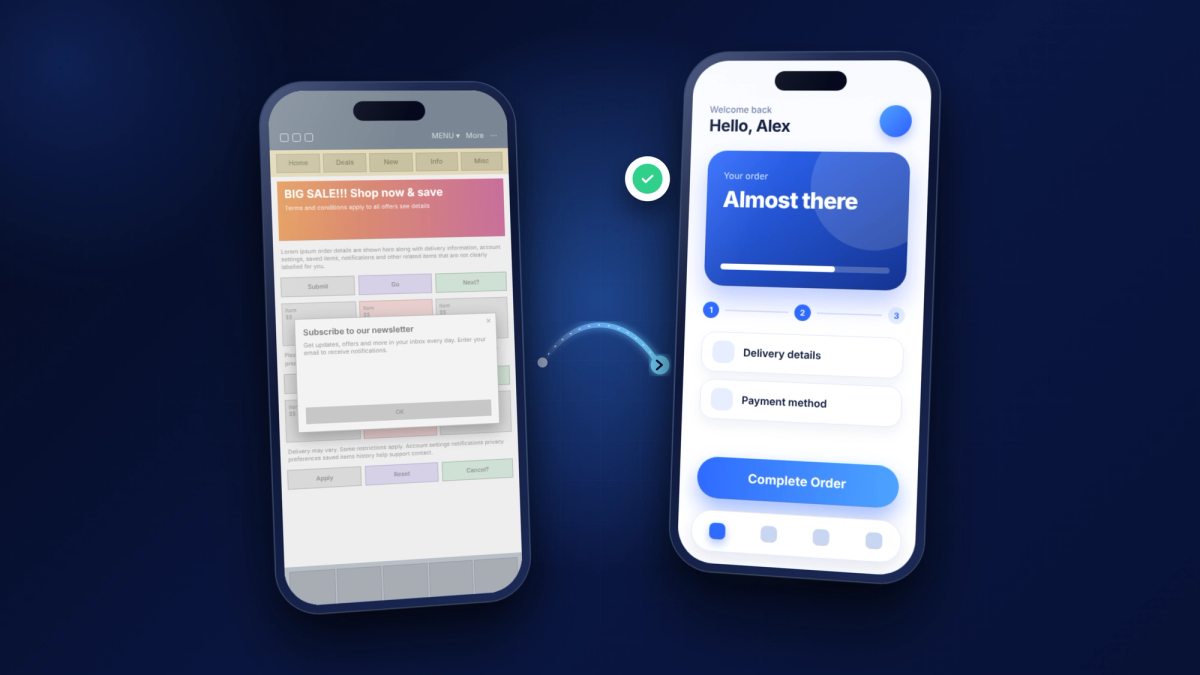
1. Complicated Navigation That Confuses Users
One of the most common app design mistakes is complicated navigation.
When users open an application, they should immediately understand where to find important features. If they have to explore multiple menus just to complete a simple task, they may lose interest.
For example, imagine an online shopping app where users need to open four different screens just to find their shopping cart.
This creates unnecessary friction.
How to fix it:
- Keep the navigation menu simple and organized.
- Use familiar icons and clear labels.
- Place important features where users can easily find them.
- Reduce unnecessary steps between screens.
- Maintain consistent navigation throughout the application.
Good navigation helps users move through an application naturally without needing instructions.
Need a better application structure?
A well-planned digital product starts with the right development strategy. Explore TechVerge Solution's portfolio to see examples of web applications and digital platforms built around real user and business needs.
2. Slow Loading Speed and Poor Performance
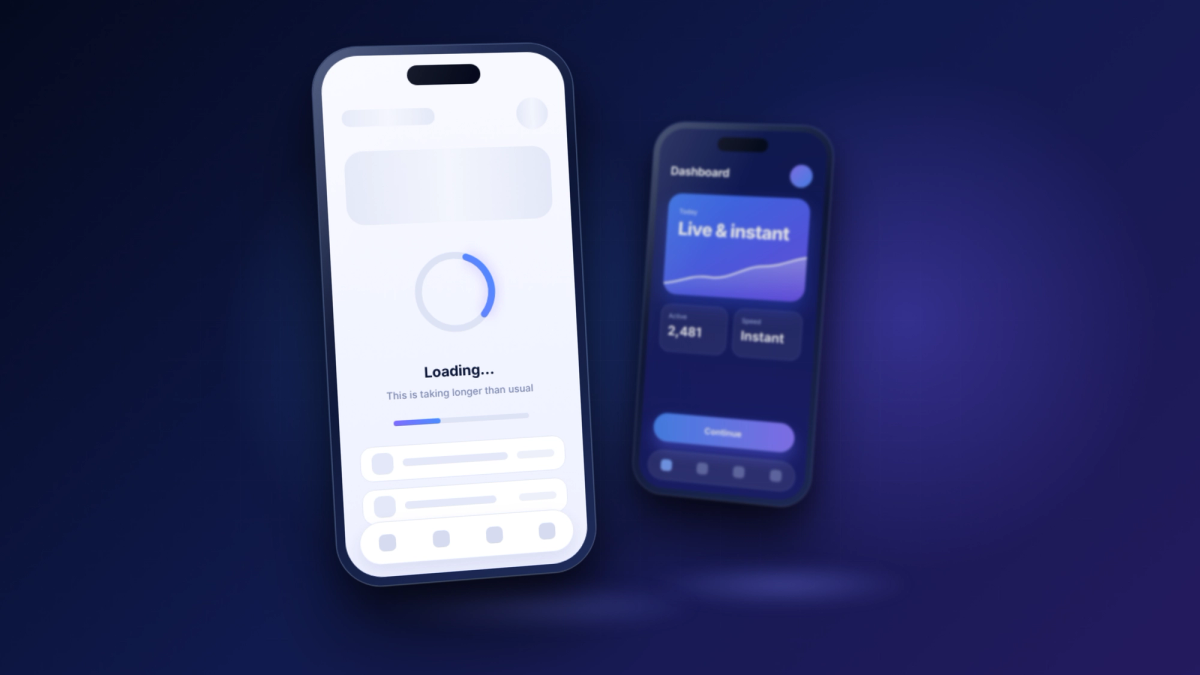
Users expect applications to respond quickly.
An app that takes too long to load, freezes during important actions, or repeatedly crashes creates a negative experience.
For example, a customer trying to complete an online payment may leave if the checkout screen takes too long to respond.
Even an attractive interface cannot compensate for poor application performance.
How to fix it:
- Optimize images and other media files.
- Reduce unnecessary animations and scripts.
- Improve API response times.
- Test performance on different devices and network conditions.
- Monitor loading times and application crashes.
A fast and reliable application makes it easier for users to complete important actions.
Looking to improve your application's performance?
Technical problems often require more than visual changes. They may involve application architecture, backend development, integrations, or performance optimization.
Explore custom software development solutions to discover how your business can build more reliable digital products.
3. Too Many Steps in the Signup Process
Asking users to provide too much information before they can access an application can discourage registrations.
Some apps request unnecessary details, multiple confirmations, and lengthy forms during the signup process.
Consider a fitness application that asks new users to complete 15 different fields before they can explore its features.
Many potential users may decide that the process is not worth their time.
How to fix it:
- Request only essential information.
- Allow social login where appropriate.
- Use clear form labels and helpful instructions.
- Avoid asking for the same information twice.
- Allow users to explore basic features before requesting additional details when possible.
A simple registration process reduces friction and makes the first interaction more welcoming.
Want to create an easier customer journey?
Your signup experience should be designed around what users actually need. A properly planned application can make registration, onboarding, and customer interactions more straightforward.
See TechVerge Solution's completed projects for examples of digital platforms designed around practical user requirements.
4. Poor Mobile Responsiveness
An application or website that looks perfect on a desktop may not provide the same experience on a smartphone.
Small buttons, overlapping text, difficult forms, and poorly arranged layouts can make an app frustrating to use.
This is especially important for businesses whose customers primarily interact with their products through mobile devices.
How to fix it:
- Design interfaces for different screen sizes.
- Use readable typography.
- Make buttons comfortable to tap.
- Maintain appropriate spacing between interactive elements.
- Test layouts on different smartphones and tablets.
Responsive design ensures that users can interact with your product comfortably across devices.
Is your website or application difficult to use on mobile?
A responsive digital experience helps customers access your services without unnecessary frustration.
Explore TechVerge Solution's website and software solutions to discuss how your existing digital experience can be improved.
5. Weak Call-to-Action (CTA) Buttons
A call-to-action tells users what to do next.
Examples include:
- Sign Up Now
- Book an Appointment
- Get Started
- Add to Cart
- Request a Quote
If CTA buttons are difficult to find, poorly worded, or placed in confusing locations, users may not understand the next step.
For example, a service booking application may display several buttons with unclear labels, leaving customers unsure about how to confirm an appointment.
How to fix it:
- Use clear and action-oriented button labels.
- Make important CTAs visually noticeable.
- Place buttons near relevant information.
- Avoid displaying too many competing actions.
- Test different button placements and wording.
A well-designed CTA makes the user journey clearer and encourages meaningful interactions.
Want more visitors to take action?
A conversion-focused digital experience requires the right combination of interface design, clear messaging, and a smooth user journey.
Explore our digital solutions to discover how a better-designed customer experience can support your business.
6. Overloaded Screens and Too Much Information
Trying to display every feature, offer, notification, and piece of information on one screen can overwhelm users.
This is known as information overload.
For example, a banking application that displays multiple promotional banners, unnecessary notifications, and too many options on its homepage can make basic tasks difficult.
Users should not have to search through clutter to find what they need.
How to fix it:
- Prioritize the most important information.
- Use sufficient white space.
- Organize related features into logical sections.
- Avoid unnecessary pop-ups and banners.
- Maintain a clear visual hierarchy.
A clean interface helps users focus on the actions that matter.
Need a more organized digital product?
Professional application development combines functionality with usability. Explore TechVerge Solution's portfolio to see how different business requirements can be translated into practical digital platforms.
7. Ignoring User Feedback and Testing
One major mistake businesses make is assuming they already know what their users want.
Even a professionally designed application can contain usability problems that are difficult to identify without real user feedback.
For example, users may struggle with a checkout process, misunderstand a feature, or encounter confusing navigation that the development team never noticed.
Without testing, these problems can remain unnoticed after launch.
How to fix it:
- Conduct usability testing before launching.
- Collect feedback from actual users.
- Monitor user behavior and conversion data.
- Use analytics to identify where users abandon important processes.
- Make improvements based on real findings.
Continuous testing helps businesses understand customer expectations and improve the application over time.
Planning to launch a new application?
Testing should be part of the development process, not something added at the last minute.
Explore custom software and application development to learn how a structured development approach can help turn your idea into a reliable digital product.
How Good UI/UX Design Improves App Conversions
Good UI/UX design is not just about making an application look attractive. It is about creating an experience that helps users achieve their goals with less effort.
A well-designed application can support better business performance in several ways.
1. Builds User Trust
A professional interface, consistent branding, and clear information help users feel more confident when interacting with a business.
2. Makes User Journeys Easier
Simple navigation and organized layouts help users complete tasks without unnecessary confusion.
3. Encourages More Signups
Shorter registration processes and clear instructions make it easier for new users to get started.
4. Improves Purchase Experiences
A well-structured checkout process helps customers move from product selection to payment more easily.
5. Supports Better User Retention
When users find an application easy and enjoyable to use, they have more reasons to return.
The important thing is to measure these improvements through actual user behavior rather than assuming that a visual redesign automatically increases conversions.
UI/UX Best Practices Every Business Should Follow
Businesses planning to build a new application or improve an existing product should focus on these essential practices:
- Keep designs simple: Avoid unnecessary elements and complicated layouts.
- Understand your users: Research customer expectations before designing the interface.
- Maintain consistency: Use consistent colors, typography, buttons, and navigation patterns.
- Prioritize accessibility: Make content readable and interactive elements usable for different audiences.
- Optimize performance: Ensure screens load quickly and important features work reliably.
- Test before launching: Identify usability problems before they affect real customers.
- Improve continuously: Use customer feedback and analytics to guide future design decisions.
Following these practices helps businesses create applications that are easier to use and more effective at supporting business goals.
Conclusion: Better Design Creates Better User Experiences
A successful application needs more than attractive visuals and advanced features. It needs an experience that makes users feel comfortable, confident, and motivated to take action.
Complicated navigation, slow performance, lengthy forms, unclear CTAs, and poor responsiveness can all create unnecessary barriers between users and business goals.
By identifying these seven UI/UX mistakes and following proven design practices, businesses can create applications that are easier to navigate, more enjoyable to use, and better positioned to convert visitors into customers.
Ready to turn more app users into customers?
If your application is struggling with user engagement, confusing navigation, or a complicated customer journey, it may be time to rethink its design and development strategy.
TechVerge Solution helps businesses build practical digital products and software solutions designed around their business requirements.
Conclusion: Better Design Creates Better User Experiences
A successful application needs more than attractive visuals and advanced features. It needs an experience that makes users feel comfortable, confident, and motivated to take action.
Complicated navigation, slow performance, lengthy forms, unclear CTAs, and poor responsiveness can all create unnecessary barriers between users and business goals.
By identifying these seven UI/UX mistakes and following proven design practices, businesses can create applications that are easier to navigate, more enjoyable to use, and better positioned to convert visitors into customers.
Ready to turn more app users into customers?
If your application is struggling with user engagement, confusing navigation, or a complicated customer journey, it may be time to rethink its design and development strategy.
TechVerge Solution helps businesses build practical digital products and software solutions designed around their business requirements
Frequently Asked Questions
1. What are the most common UI/UX mistakes in mobile apps?
Common mistakes include complicated navigation, slow loading speed, lengthy signup forms, poor mobile responsiveness, unclear CTAs, overloaded screens, and ignoring user feedback.
2. How does UI/UX design affect app conversions?
Good UI/UX design reduces friction, makes important actions easier to complete, builds trust, and helps users move through the application more comfortably.
3. Can poor UI/UX design cause users to uninstall an app?
Yes. Confusing navigation, repeated crashes, difficult registration, and frustrating interactions can encourage users to stop using an application or uninstall it.
4. How can businesses improve their app's user experience?
Businesses can improve app experiences through usability testing, responsive layouts, simplified navigation, faster performance, clear CTAs, and continuous user feedback.
5. How often should businesses update their app design?
There is no fixed schedule. Businesses should review user feedback, analytics, and usability issues regularly and update their interfaces whenever meaningful improvements are needed.